
Visakhapatnam Property Tax Calculator: Estimate Your GVMC Tax Online
Navigating municipal taxes can often feel like solving a complex puzzle. For property owners in Andhra Pradesh’s largest coastal city, understanding how the Greater Visakhapatnam Municipal Corporation (GVMC) assesses properties is crucial for financial planning. Our Visakhapatnam Property Tax Calculator simplifies this process, allowing you to estimate your liabilities based on official GVMC slab rates and the Annual Rental Value (ARV) system.
Whether you are a first-time homeowner or managing commercial real estate, this guide will walk you through the exact formula the GVMC uses, the age-based deductions you are entitled to, and how to pay your dues to claim the 5% early bird rebate.
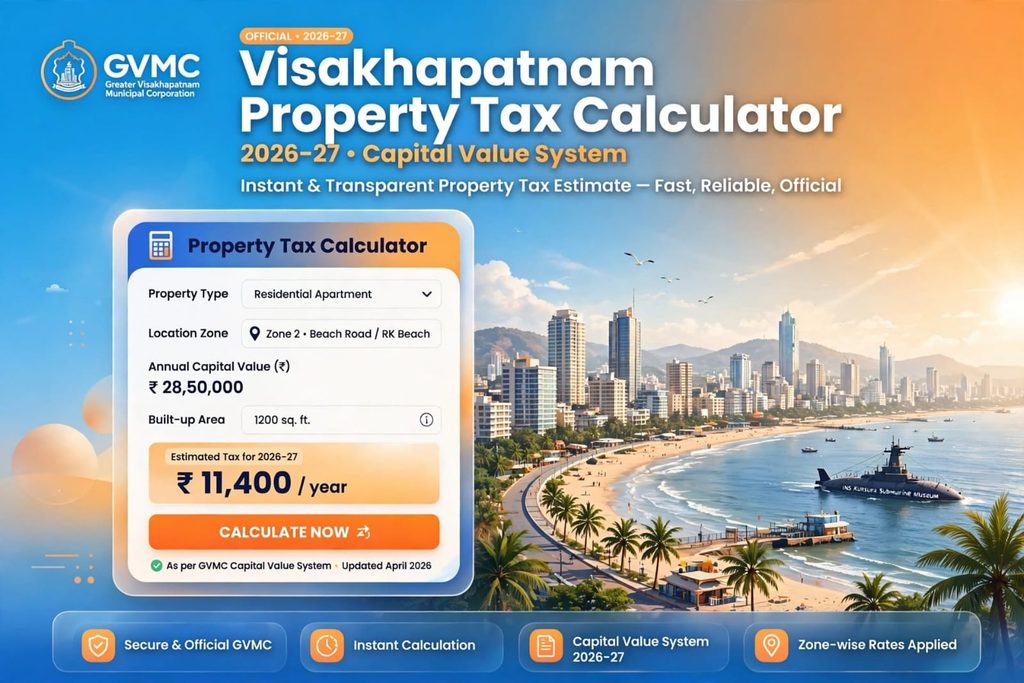
Visakhapatnam Property Tax Calculator 2026-27
Estimate your Greater Visakhapatnam Municipal Corporation (GVMC) property tax. Select your zone, enter your Monthly Rental Value (MRV), and see the breakdown.
- Check your Special Notice: Look at the property tax bill or notice sent by GVMC. It explicitly states the "Monthly rental value fixed" for your property.
- Check Online: Visit the GVMC portal, go to Property Tax, and use your Assessment Number to view your demand details, which will show your fixed MRV.
- New Property (Self-Assessment): If you don't have a bill yet, you must apply for Self-Assessment on the GVMC portal, where the system will calculate the MRV based on your area, zone, and building type.
How the Visakhapatnam Property Tax Calculator Works
The GVMC does not calculate tax based on a flat rate per square foot. Instead, it utilizes the Annual Rental Value (ARV) method. This system estimates the potential annual rent your property could generate if it were rented out. The calculation is influenced by several critical factors, including your location (Zone 1 to 8), the plinth area, construction type, and the age of the building .
To use our Visakhapatnam Property Tax Calculator effectively, you need to input your Monthly Rental Value (MRV). If you do not know this figure, you can often find the “Monthly rental value fixed” on your previous year’s Special Notice from the GVMC or by logging into the official GVMC portal . The calculator will then annualize this figure (MRV × 12) and apply the appropriate tax slab.
Understanding the GVMC Tax Slabs
The GVMC applies a progressive slab system for residential properties, meaning the tax rate increases as the ARV rises. Based on official data, here is how the rates are structured:
· Up to ₹600 ARV: Fully exempt.
· ₹601 to ₹1,200: 17% tax rate.
· ₹1,201 to ₹2,400: 19% tax rate.
· ₹2,401 to ₹3,600: 22% tax rate.
· Above ₹3,600: 30% tax rate .
For commercial properties (shops, offices), the GVMC levies a flat rate of 30% on the ARV, regardless of the slab . Our calculator automatically applies these exact percentages to give you a precise estimate.
Crucial Deductions: The Age Factor
One of the most significant ways to reduce your property tax burden in Visakhapatnam is the age-based depreciation on your ARV. The GVMC recognizes that older buildings generate lower rental income and therefore offers substantial deductions before applying the tax rate .
· Properties up to 25 years old: 10% deduction on ARV.
· Properties between 25 and 40 years old: 20% deduction on ARV.
· Properties older than 40 years: 30% deduction on ARV .
When using the Visakhapatnam Property Tax Calculator, ensure you select the correct age bracket. For example, if your property is 30 years old and has an ARV of ₹10,000, a 20% deduction brings your taxable ARV down to ₹8,000, significantly lowering your final bill.
The 5% Early Bird Rebate: Save on Your GVMC Tax
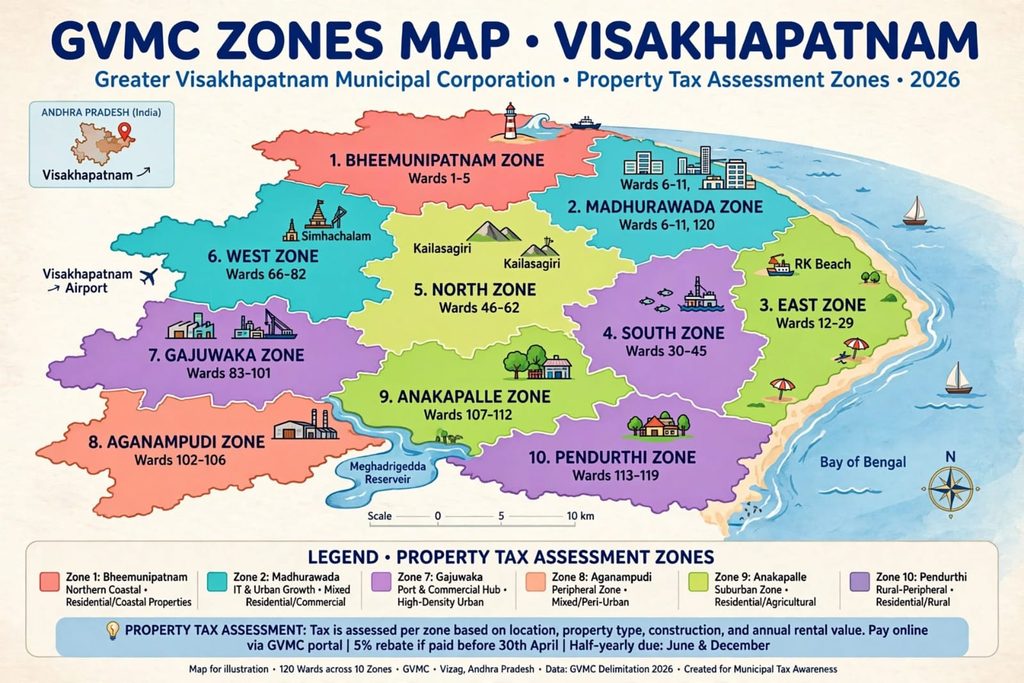
Timely payment is rewarded in Visakhapatnam. The GVMC offers a 5% rebate on the total property tax if you pay your full year’s dues before April 30th . This incentive has proven popular; recent data shows GVMC collected ₹230 crore in April 2026, a 50% surge attributed largely to this rebate and a government waiver on interest for arrears .
Our calculator includes a checkbox for this rebate. If you are planning to pay before the deadline, keep it checked. If you are calculating for a later date, simply uncheck it to see the standard liability. Failure to pay by the due date (April 30 for the first half and October 31 for the second half) can result in a penalty of 2% per month on the outstanding amount .
How to Pay Your GVMC Property Tax Online
Once you have your estimated figure from the Visakhapatnam Property Tax Calculator, you can proceed to pay securely. The GVMC provides a robust online portal for this purpose .
- Visit the official GVMC website.
- Navigate to Online Services and select Property Tax.
- Choose “Know your dues” or “Payment”.
- Enter your Assessment Number and owner details.
- Verify the displayed amount (which should match your estimate) and proceed to pay using UPI, net banking, debit/credit card, or e-wallets .
For those who prefer offline methods, payments can also be made at GVMC convenience centres or via the digithane app (though the specific app mentioned may vary by municipality) . Always ensure you download the official receipt after payment for your records.
Visakhapatnam Property Tax Rates – CDMA Official Table with Component Breakup
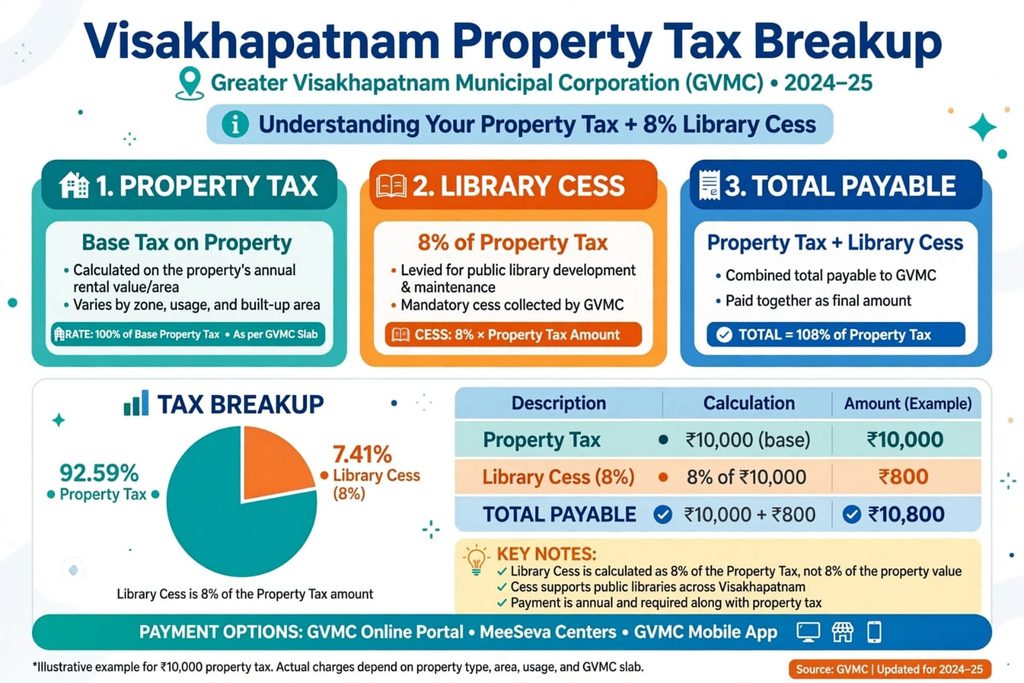
The CDMA portal lists component-wise half-yearly rates for all Andhra Pradesh ULBs (General Tax, Water Tax, Drainage Tax, Lighting Tax, Conservancy Tax) fixed by municipal councils under the AP Municipalities Act 1965 / AP Municipal Corporation Act 1955. For GVMC under the capital value regime, the consolidated rates are 0.12% residential and 0.30% non-residential per year on capital value, split into 5 components in official CDMA proportions – General Tax 50%, Water Tax 14%, Drainage Tax 14%, Lighting Tax 8%, Conservancy Tax 14% – plus 8% library cess on the total. Vacant land tax applies per year as notified.
Residential Component Rates (% of Capital Value per year)
General Tax 0.0600% + Water Tax 0.0168% + Drainage Tax 0.0168% + Lighting Tax 0.0096% + Conservancy Tax 0.0168% = 0.1200%. Example on CV Rs 85,00,000: General Rs 5,100, Water Rs 1,428, Drainage Rs 1,428, Lighting Rs 816, Conservancy Rs 1,428.
Non-Residential Component Rates (% of Capital Value per year)
General Tax 0.1500% + Water Tax 0.0420% + Drainage Tax 0.0420% + Lighting Tax 0.0240% + Conservancy Tax 0.0420% = 0.3000%. Library cess 8% applies on the subtotal for both usages. Each half-yearly demand (Apr–Sep, Oct–Mar) is exactly half of the yearly component amounts, matching the CDMA half-yearly demand format.
Why Our Calculator Matches GVMC
Private tools still use the old ARV 17–30% slabs. Ours uses the 2021 Capital Value GO actually in force – the same logic as Pune’s capital value calculator. For Maharashtra cities, see our Pune Property Tax Calculator and Thane Property Tax Calculator.
Conclusion
Estimating your municipal tax shouldn’t require a degree in finance. By using our Visakhapatnam Property Tax Calculator and understanding the underlying GVMC slabs, age deductions, and rebate timelines, you can budget accurately and avoid unnecessary penalties. For the most precise figure, always cross-reference your estimate with the official CDMA Andhra Pradesh or GVMC portal before making a payment.
No. The ARV is a notional value fixed by the government based on the zone, plinth area, and building condition. It is often lower than the actual market rent, which benefits the taxpayer .
If you believe your ARV is incorrectly high, you can file a Revision Petition on the GVMC portal. You will need to provide evidence, such as photos of the building’s condition or comparable rental values in your zone .
Yes, GVMC allows payments in installments, typically half-yearly (by April 30 and October 31). However, the 5% rebate is usually only applicable if the full year’s tax is paid by the first deadline .
You must apply for Mutation on the GVMC portal. As of August 2025, GVMC has introduced an auto-update system for property transfers registered at the Sub-Registrar’s Office (SRO), which may streamline this process for you .